Extra Sign-In Check
Add a second confirmation for unfamiliar devices.
A player's account walkthrough
I first opened NA333 after a friend mentioned it during a Bangladesh Premier League match. The sign-in screen looked ordinary, but I still wanted to know which details it expected before typing anything.
Once the account is ready, access takes around ten seconds. New registration is usually close to two minutes, so here is the route I use and the checks I keep in mind.
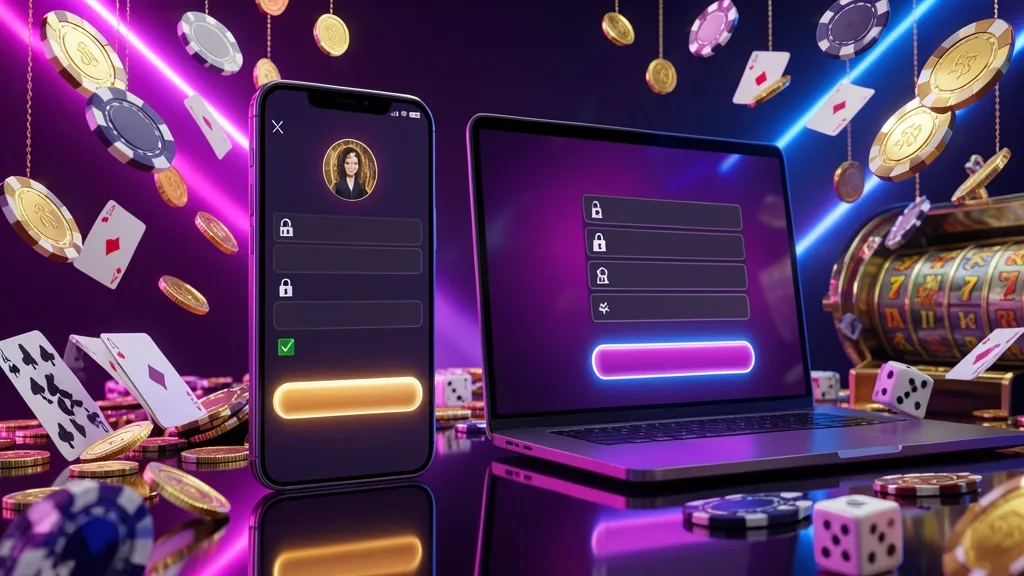
Visit the NA333 website or open its app, then locate the Login control near the upper edge of the screen. Select it to open the access form.
Use the phone number or username attached to your profile, enter the password, and confirm. If the details match, the account area should load.
Available sign-in routes can include:
| Route | What You Enter | Typical Time |
|---|---|---|
| Phone and password | Registered number plus password | About 10 sec |
| Username and password | Username plus password | About 10 sec |
| App biometrics | Fingerprint or face scan | About 2 sec |
On a borrowed handset or shared computer, leave any remember-me option disabled. Sign out before handing the device back, even if the session was brief.
A new profile needs a few basics rather than a long form:
After activation, you can look through the casino lobby or inspect the slots area before deciding whether to add funds.
The initial form generally does not ask for everything associated with later account checks.
Keep your registered number available because it is the main way to receive account messages and recovery codes.
Keep the phone beside you and work through these five actions:
When the account opens, you can browse the live casino, game catalogue, or cricket markets. Registration itself does not require you to begin with a deposit.
Treat the NA333 profile like a wallet account. The phone, password, and recovery messages should stay under your control.
Helpful habits include:
A copied login screen can look convincing. Inspect the address character by character and do not assume a padlock proves that the page is genuine.
Add a second confirmation for unfamiliar devices.
Read the domain before entering private details.
If the password has slipped your mind, start from the recovery link beneath the login fields.
The process commonly takes about two minutes. A code may expire after 10 minutes, so request another one rather than repeatedly entering an old message.
If the message is missing:
Confirm that the phone has cellular reception
Give the first request a little time before selecting resend
Check whether a message-filtering app is blocking the SMS
Use the support channel if repeated requests fail
When the old number is no longer available, contact support with your registered name, an approximate signup date, recent account activity, and an NID scan if requested. Manual checks can take 24–48 hours because ownership must be confirmed before access is changed.
The recovery code is sent to the registered number.
Support can review a move to another mobile line.
NA333 can be used through a phone browser, the Android app, or a desktop browser. The practical differences are mostly about convenience and screen size.
For everyday use, I would choose the phone browser when I want no installation and the app when biometric entry matters. A laptop is more comfortable when several cricket fixtures are open together.
Useful when checking the account away from home.
A wider layout helps compare multiple markets.
Before contacting anyone, check the simple causes that can interrupt an otherwise valid login.
Use the official support route shown inside the site or app. Genuine staff should not need your password, full OTP, or remote control of your phone.
The entry process is straightforward once the registered phone number and password are close at hand. New users can complete the basic form in roughly two minutes.
My preferred routine is simple: register with a number I control, choose a password used nowhere else, and keep recovery messages private.
If access fails, I check the number, keyboard, connection, and OTP first. For device changes or a lost SIM, support is the safer route than trying random links.

You need a Bangladesh mobile number that can receive SMS, a password, and the OTP sent during setup. Keep any payment wallet details available if the form requests them.
Allow about two minutes when your phone is nearby and able to receive the verification message.
Check cellular reception, wait briefly, and request another code. If several attempts fail, try mobile data or contact the official support route.
You can use the same profile on different devices, but unfamiliar or repeated sessions may lead to an additional security check.
Contact support and provide the account details they request. They may ask for identity information before changing the number.
Biometric access depends on the NA333 app and the capabilities of your Android device. A phone browser may not show the same shortcut.
A legitimate support representative should not need your password. Do not disclose it to messages, callers, or accounts that contact you unexpectedly.
Your guide to NA333 access and account use.
18+18+ only. Gambling involves financial risk.